YouTube at a glance
| Topic | How it works |
|---|---|
| Video details | Eligible public videos bring available titles, descriptions, publication dates and links. You can use a topic and a date in your search, then follow the source back to the video when you need the full explanation. |
| Spoken content | Successful analysis can supply transcript text and sometimes a time-bounded excerpt. |
| Engagement | byline tracks available view, like and comment counts. Comment text stays out of the import. |
Setup
Connect YouTube
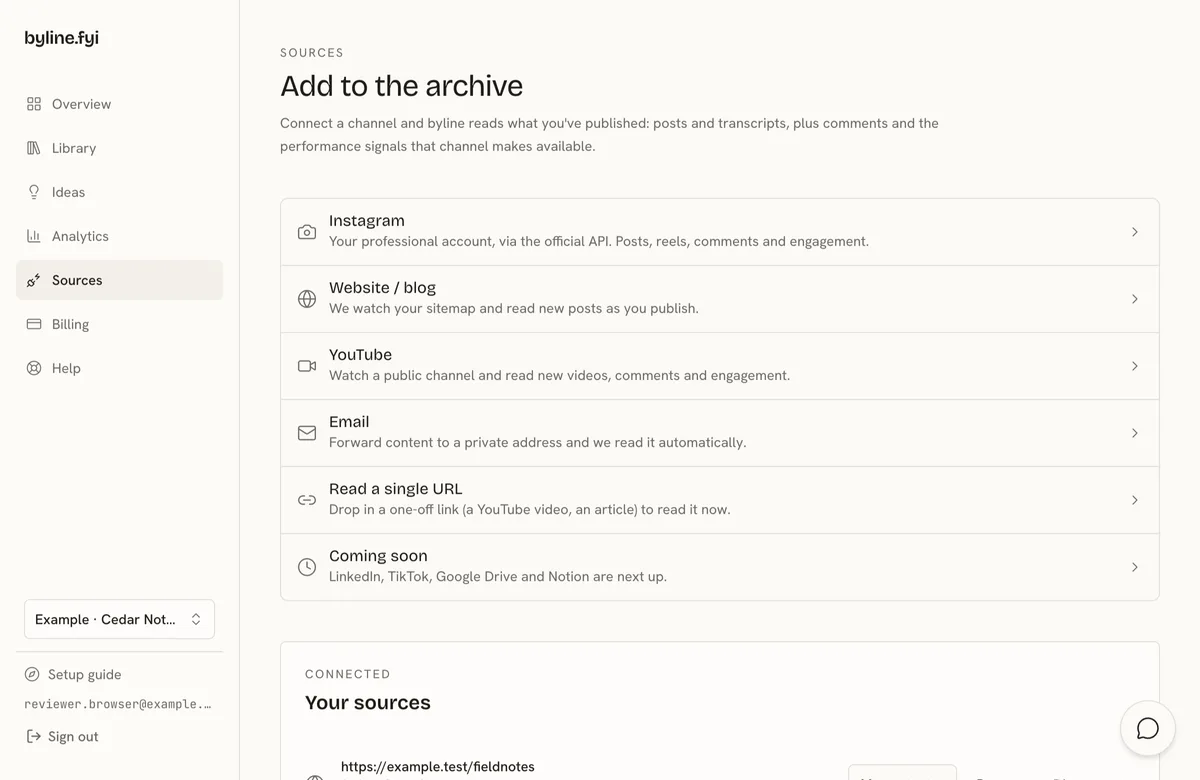
- 1Expand YouTube on Sources.
- 2Enter your own public channel URL, channel ID or handle and choose Add YouTube.
- 3Check your library after the first read. Once a video has been processed, ask your connected writing tool to search byline for a topic from that video. For example, ask for the passage where you explain how a new client gets started and request the source link.
FAQ
Do I need a YouTube API key?
Your public channel URL, ID or handle is enough. You do not need a YouTube sign-in or API key.
Will every upload have a transcript?
Transcription depends on availability, successful processing and your plan's video minutes. A large channel takes several reads. Some videos may be unavailable or too long to process. When your video minutes run out, further transcription pauses and the material already read stays available while you have access. You can still look up a passage from a previously processed video. The Connection plan does not include video transcripts.